

Online booking: what changes
We have released a redesign of court booking, for players and for the club alike. Three things really change: a court no longer stays blocked by a booking nobody pays for, players can open their match to others, and the back office stops letting pending bookings linger.
A court no longer stays blocked for nothing
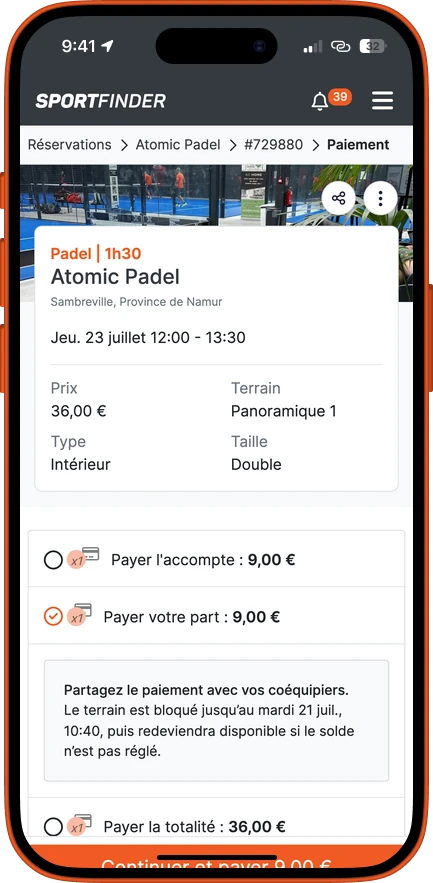
When your players each pay their share, a booking whose shares have not all been paid only holds the court temporarily. Once the deadline passes, if the booking is still incomplete, it cancels itself: the slot goes back on sale and the shares already paid are refunded. Players are reminded before, not after.
The deadline is not something you simply have to accept: it is set per club, and you can also decide that a booking is yours and keep it, whatever happens. A payment in progress is never interrupted, and a fully paid booking is never cancelled. The full mechanism, with the deadlines, is explained on the matchmaking page.
If your club does not use split payment, nothing changes: the booking is paid in full at the time of booking. And bookings you enter yourself in your calendar are confirmed automatically — they are never affected.
Your players can open their match
A player who books with you can now publish their booking as a match: the free places are offered to the other players at your club, then to the SportFinder community. It is a slot you would have sold to two, sold to four.
A match is paid in full online, even if you accept a deposit on a standard booking, and it cannot be paid on site. That is the counterpart of opening it up: you do not bring strangers onto a slot nobody has paid for. See how filling works.
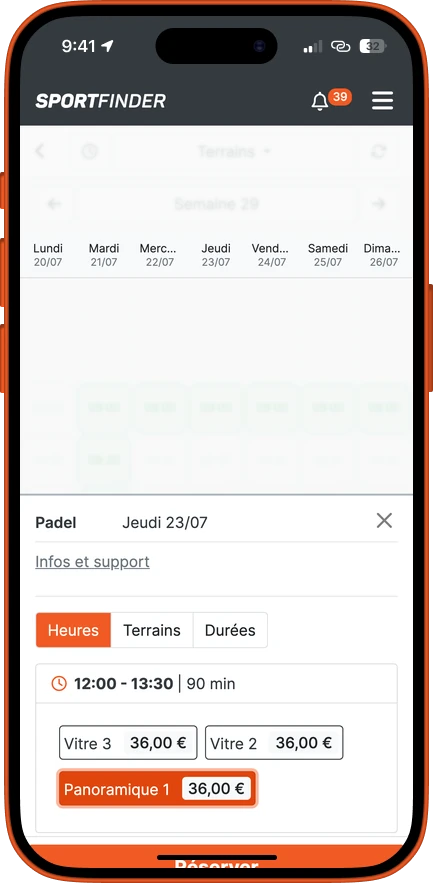
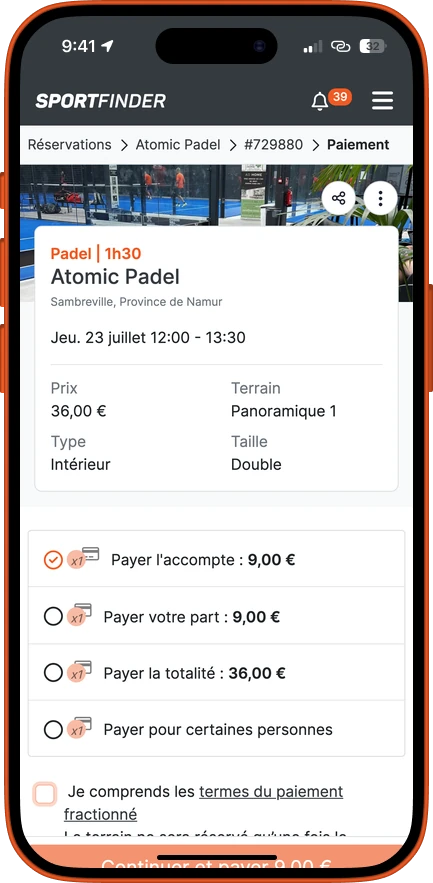
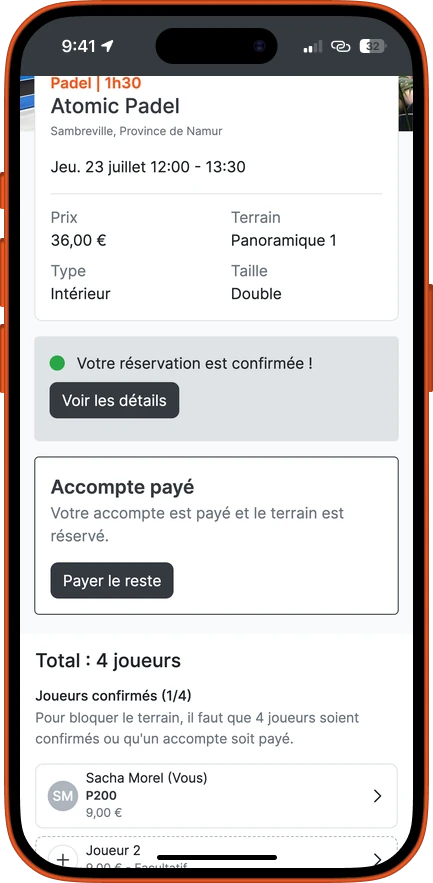
The booking page has been redesigned
Fewer screens, fewer questions at the front desk. The court is now locked while the player pays, which avoids two bookings colliding two minutes apart.
And in your back office
One page gathers the upcoming bookings still waiting for players or payments, and below them those that have passed without being closed off. Two buttons for each: they played, or we refund. The refund goes out immediately.
The calendar tells you, on every pending booking, when the automatic cancellation will kick in — and lets you change your mind: push it back, set a date, or keep the booking and allocate the court to yourself for good. Moving a booking recalculates the deadline from the new date.
You can also replace a player from the booking panel, with the share already paid following the replacement. And payments gain a “to refund” filter, showing what is still owed after an automatic cancellation. See the payments and point-of-sale page.
Want to see what it looks like on your schedule?
We open your calendar, apply your rules, and you judge on your own slots rather than on an example.
Book a demo